Web People Reno
One stop shop for all your website design needs in Reno.
- Web Design
- Hosting
- Logo Design
- Marketing
- Tech Support
- Training
- Social Media Marketing
- Content Creation
We have put together a website bundle that makes it easy to get a professional website up and running in a few weeks or less. Working with a local web design person or company is easier than dealing with a stranger from another city, state or country.
Reno Nevada Web Design Company
Located in Northern Nevada, Sandy Rowley and her team of expert web designers are on stand by to help your organization.



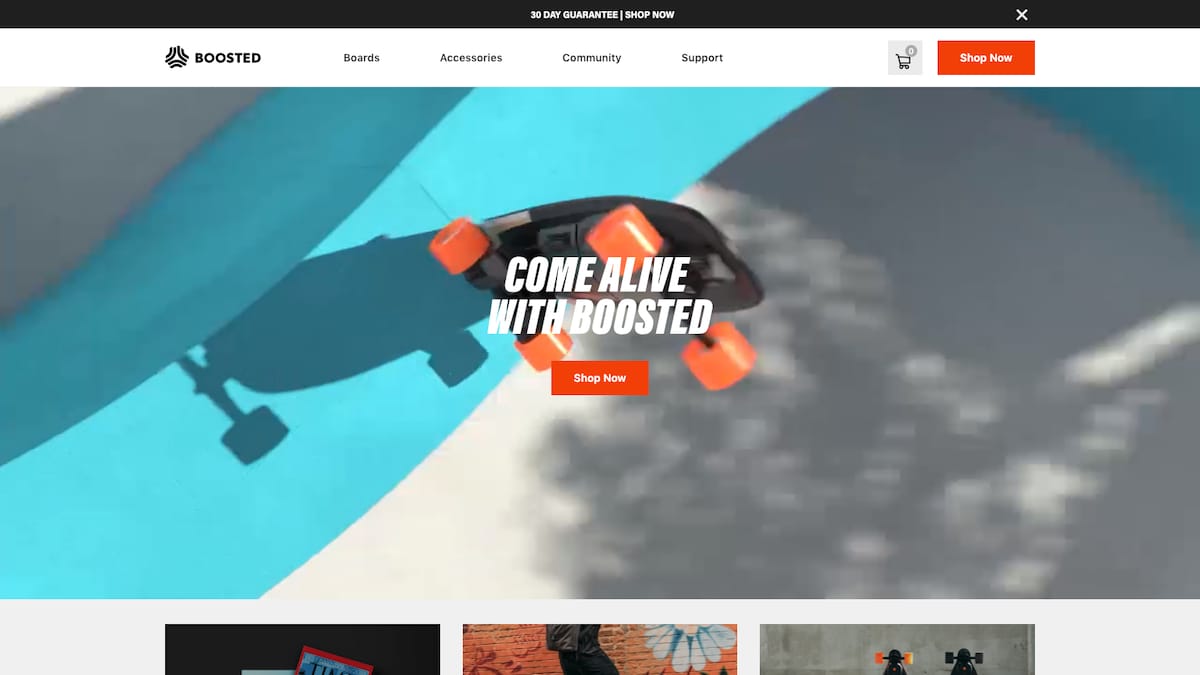
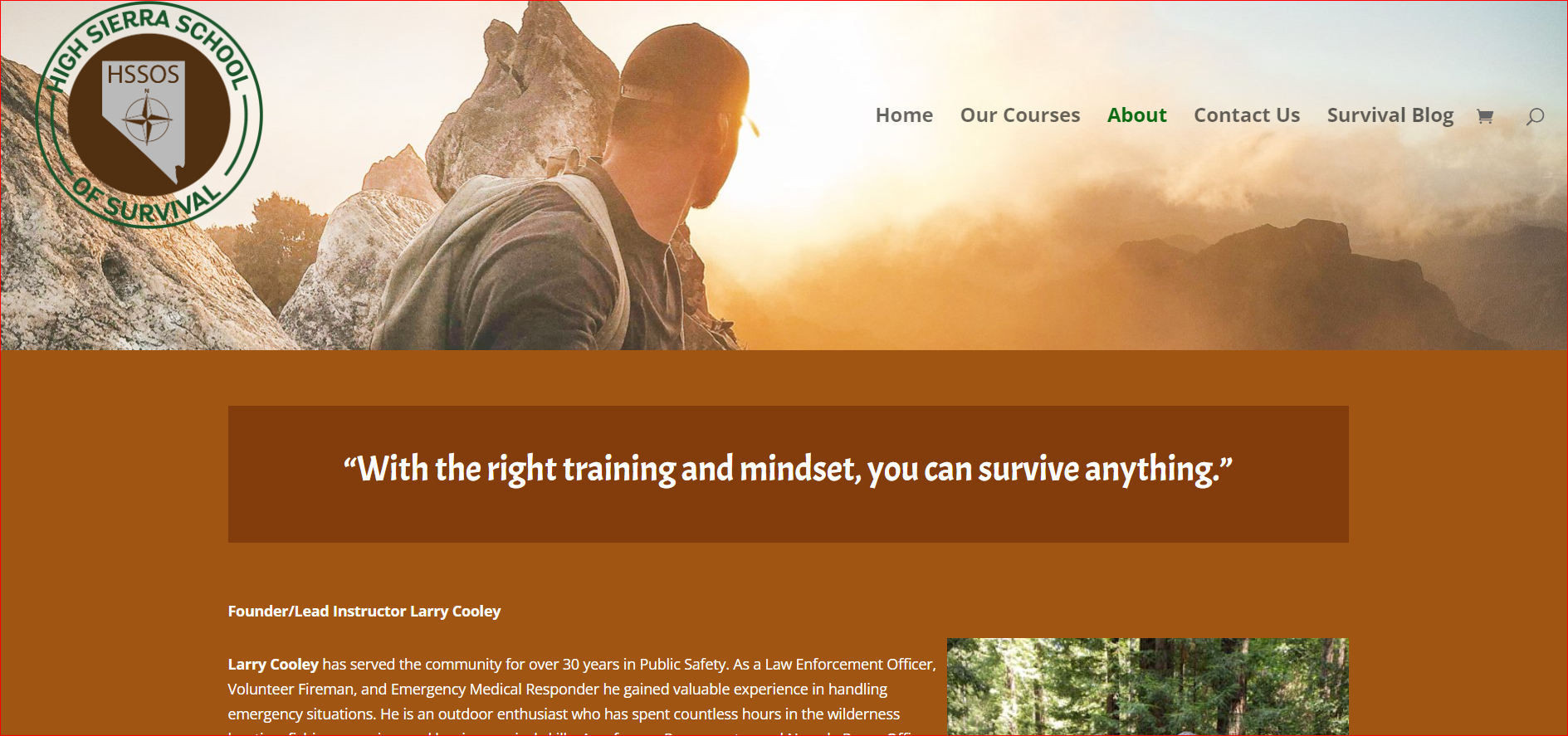
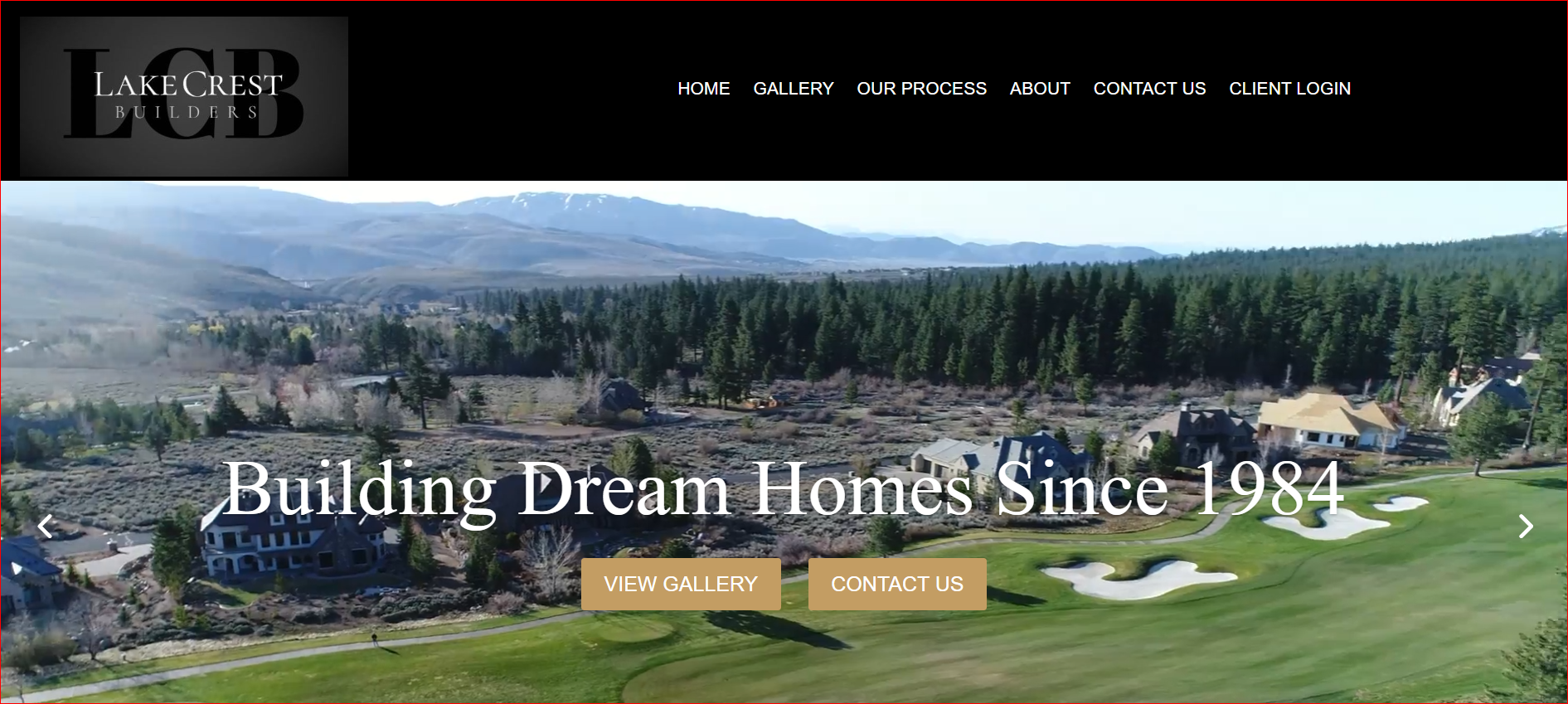
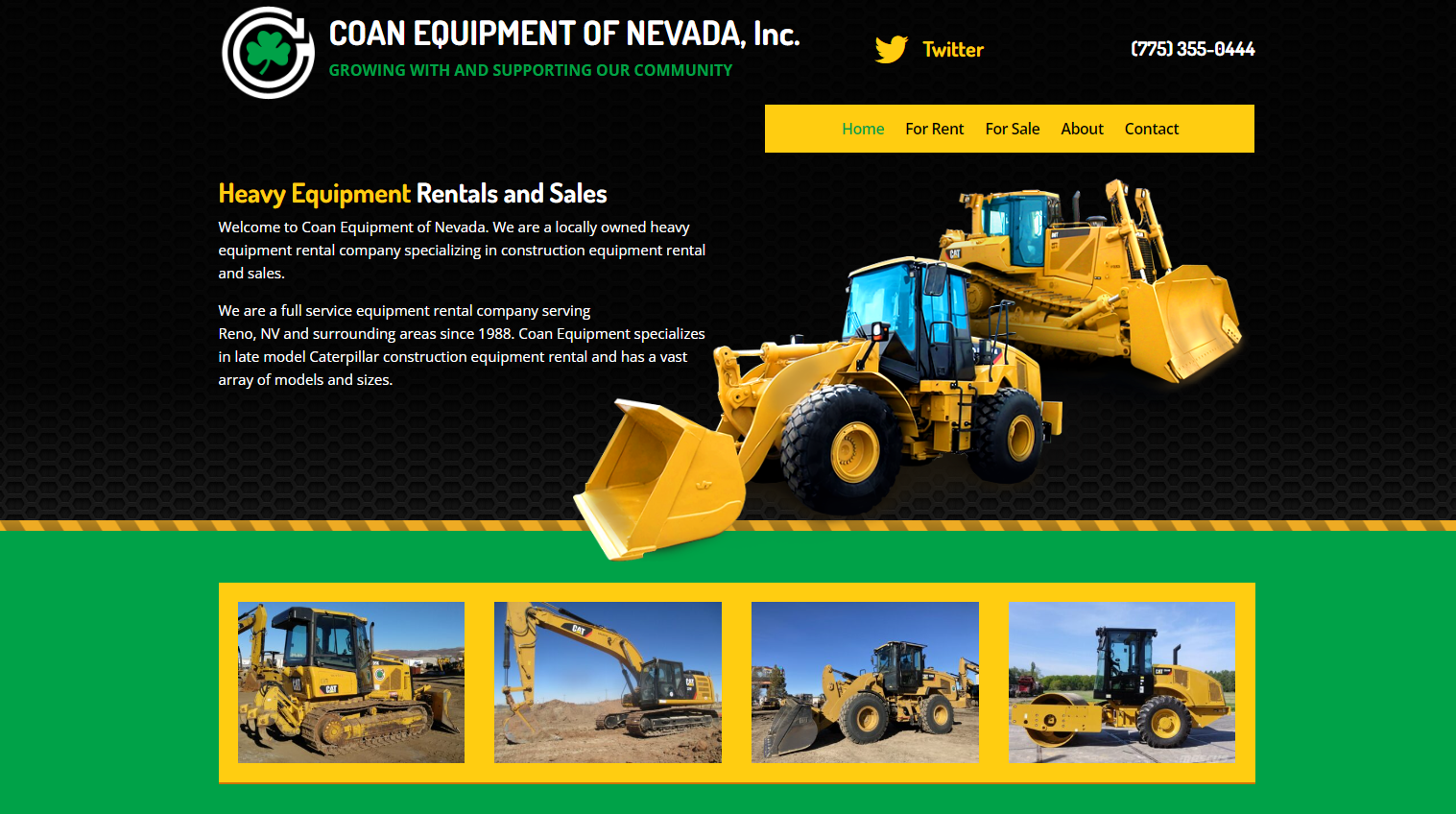
We have helped local and national organizations like The Reno Rodeo, PBS Reno, Reno Orthopedic, Reno Muicipal Court, Reno School of Medicine as well as well respected non profits and businesses in the great state of Nevada.
Ask about our educational programs to train your staff on how to update your website in house. Our feature programs include training on community outreach, SEO and more.
Check out our Calendar of Events to see our next free marketing workshop event on Meetup.com
Follow us on Social Media for the latest news.
Our people are trained and battle born tested. Years of hands on experience in the web design and marketing world.
Verified Nevada Business.
Check out our business license and credentials at Reno City Hall and Silver Flume on the official Nevada State website.
Our community responsibility is a commitment to the Reno Tahoe area and small business community as a whole.

SEO Affiliate Programs
Average SEO payout is $300.
or 10% of the first 3 months of SEO paid in advance.
Which ever is greater.
What is SEO Affiliate Program? Is it worth joining? How does it work?
SEO stands for Search Engine Optimization. This refers to the practice of optimizing websites or web pages for search engines such as Google, Bing, Yahoo etc. The goal of SEO is to get higher rankings on search engines.
Affiliate marketing is a great way to earn passive income from home. There are thousands of companies offering affiliate programs. Some offer commission rates between 10% – 30%. Others pay much less. All you need to do is signup and promote their products.
SEO
Attention Business Owners – Your business may be losing customers due to poor search engine optimization (SEO).
There are many reasons why your SEO marketing may not be working for you. Maybe you’ve tried everything and nothing has worked. Or maybe you just aren’t sure how to get started.
In this post, we will go over the top 4 most common problems with SEO marketing and how to fix each problem. We will also look at the top 3 mistakes that newbies make when trying to optimize their websites. Finally, we will cover the top 2 reasons why your website isn’t ranking as well as it should.
If you’re looking to get serious about optimizing your site, then read this post first. It will help you understand where you went wrong and how to correct your errors.
Poor SEO could mean lost sales and profits. But if you’re willing to put in the effort, you can improve your site’s ranking and increase traffic.
Search Engine Optimization (SEO) is the process of improving your website’s visibility in search engines like Google, Bing, Yahoo!, etc.
You’ve been doing SEO since you got a new web design, but now you’re getting frustrated because you still aren’t seeing much traffic coming to your site. So what gives?
Maybe you hired an SEO agency to help you rank better. Or maybe you did some research and found out that you needed to optimize your site for mobile devices. Either way, you probably thought that you had done everything correctly. Unfortunately, there’s no such thing as “perfect.” There’s always room for improvement. And even though you might feel like you know enough about SEO, you really don’t. In fact, you’re probably missing out on a lot of opportunities to improve your rankings. If you want to learn more about SEO, here are four things you should consider.
#1 – Don’t hire an SEO agency without asking questions.
When you go looking for an SEO agency, make sure you ask lots of questions. Ask about their experience, their track record, and their methods. Make sure you understand exactly what they’ll be doing for you. After all, you want someone who knows what they’re doing. They shouldn’t be trying to sell you something you don’t need. Instead, they should be helping you find ways to improve your site’s performance.
#2 – Do your homework.
Before hiring anyone to work on your site, do your due diligence. Find out what others are saying about them online. Look up reviews on sites like Yelp, Angie’s List, and Better Business Bureau. This will give you insight into whether or not they’re reputable. Also, check out their portfolio. Are they able to provide examples of their previous work? How long have they been in business? What kinds of clients have they worked with? These are important questions to ask a SEO company.
#3 – Be realistic.
If you’re thinking about hiring an SEO agency, realize that you won’t see immediate results. Even if you hire the best agency in town, it’ll take months to see real improvements in your rankings. However, if you keep plugging away at it, eventually you’ll start to see positive changes.
Contact us today about our free SEO consultation service. We’ll work together to find out what’s holding back your online presence and make recommendations to get you moving forward again!
Voted best SEO Company in the world.

200 SEO Ranking Factors
When we talk about SEO (search engine optimization) and SMM (social media marketing), both are among the most trendy practices to drive traffic to your website and increase brand awareness. Collectively, both SEO and SMM could bring about 60 to 65 percent of your website traffic and play an important role in the promotion of your brand.
Although these are two different strategies, if you are planning to promote your brand and boost its awareness, there is no doubt that using them together could benefit you a lot.
Before we head into some strategies, let’s understand the difference between SEO and SMM.
SEO & SMM – A Comparison
Here is a table that describes two strategies very well.
Although the primary goal of SEO is not to promote your brand, it majorly focuses on bringing organic traffic to the site. However, with some smart tactics, you can increase brand awareness as well.
On-Page SEO Tactics For Brand Awareness
On-Page SEO is more about focusing on the content and visualization of your website on the SERPs and the internet. Let’s see how some On-Page SEO tactics can boost brand awareness.
Branding In The Title
We all know that title is the first feature that appears in front of the user when they search for anything on search engines.
Using a brand name in the title can not only be helpful in increasing the awareness of your brand among the users, but will also be a great SEO factor to boost your rankings in SERPs.
Using Brand Name In The Description
Just like in the title, the brand name could be used in the description as well. This is something where you can naturally use your brand name to attract the audience and increase your engagement.
You can use different variations of your brand name and its synonym so that somehow the users can remember the name.
Spreading Brand Awareness Through Headers
Experts have often observed that Google places your headings in the title and displays it to the users. Moreover, when a user visits your website, the first thing they will scroll through your content is the headers. Here is an example of how Dissertation Assistance has used it naturally in their H1.
Placing your brand name in the headers will help them memorize your brand name and your services as well.
Branding With The Help Of Content
This technique is often used by almost all brands, but worth mentioning here as content is something that creates value among the users and the search engines as well.
Make sure that you are not using it more than the recommended times that it can hurt your SEO. For instance, in the content of 1000 words, you can use your brand name 3 to 4 times. It will have a great impact on increasing your brand awareness among the visitors to your webpage.
Off-Page Tactics For Brand Awareness
You can also use various Off-Page SEO strategies to boost your brand awareness. Let’s look at how it is done.
Business Listing
There are numerous business listing websites with a variety of users and visitors across them. Target these websites and create your listings.
This helps in the promotion of your brand and increases traffic to your site as well.
Guest Posting
Guest posting is a simple way to create contextual backlinks for your website. With some steps, you can easily increase your brand awareness through guest posting.
- Contact an authority website within your niche and offer them your guest post with a suitable title.
- Once they allow you to write for them, create engaging content and place our brand name somehow.
- You can place the brand name while mentioning any example or a case study you have conducted.
This way, you will have a brand mention from an authority website that will work as an SEO factor, and more importantly, will allow the readers of that particular blog to know about your brand.
Review Websites
Reviews are a great source to build trust among the users and improve your brand awareness as well. You simply utilize websites like Google My Business, Foursquare, BingP Places, Yelp, etc., to create your account and ask your users to post a review.
Creating your presence on a review website is really an amazing strategy. It will not only encourage the users to trust your services but also works as an SEO factor for search engines to rank your site better.
How SEO Links SMM To Boost Brand Awareness?
Social media marketing could be used widely to increase your search engine visibility. It allows search engines to feature your social media pages on the SERPs when people are looking for something from your brand. You can utilize numerous social media techniques to increase your search engine visibility and brand awareness.
Social Networking
This is the first step towards SMM, where you target some of the popular social media platforms to create your business presence. Make sure that your target audience are using that social media platform.
For example, if you are trying to engage some professionals, you are more likely to get them through LinkedIn. It’s not avoidable to focus on other platforms like Facebook or Instagram, but your mainstream platform for increasing brand awareness will be LinkedIn in this particular situation.
Social Media Posting
According to the survey conducted by Essay Editing Services UK, 54% of social media users prefer video content. Videos bring more engagement and spread your brand message in an easy and convincing way.
This does not mean that the other type of content will not work. Basically, it’s about visual content. Do not rely only on the text.
While Summing It Up…
There are various SEO and SMM tactics which help us promote the brand message and boost awareness among the users. Some of the crucial techniques are discussed here in this content which will not only help you to spread your brand message but also improve your visibility in search engines.

Author Bio
Claudia Jeffrey is currently working as a Senior Editor at crowdwriter.com. She has previously served as a Digital Marketing Manager at the same firm. Claudia often blogs at Word Count Jet. She loves to travel and often travels solo to explore the beauty of nature.

best SEO expert
Are you sick of being lost in the search engine shuffle? If your website isn’t on the first page of Google, you’re losing business to your competitors.
As a small business owner, you know that generating leads and customers can be a challenge. You also know that your website is a key part of your marketing efforts. But what good is a website if no one can find it?
Enter Sandy Rowley. Sandy is an award-winning web designer with over 20 years of experience helping small businesses improve their SEO and generate positive returns on their investment.
Sandy’s unique approach combines the latest techniques with a focus on your individual business goals. She’ll help you choose the right keyword phrases to target, optimize your website for maximum visibility, and track your progress so you can see the results of your SEO campaign.
Whether you’re starting from scratch or looking to improve your existing SEO efforts, Sandy Rowley can help you achieve top search engine rankings and dominate your market.
What We Do
No more breaking the bank on Google AdWords. No more being frustrated with your website’s visibility. We offer affordable SEO services that get results.
We specialize in providing small businesses with the tools and resources they need to improve their search engine rankings. Through our services, you will be able to:
Target The Right Keywords
Choosing the right keywords for your business is essential for success in search engine optimization. We will help you identify which terms and phrases are most likely to bring in new customers and optimize your website and content around those terms.
Improve Your Website Content
Your website’s content is one of the most important factors in determining your search engine ranking. We will work with you to create or improve existing content, ensuring it is keyword-rich and informative. We can also help you develop a blog or other forms of dynamic content that will keep your site fresh and relevant.
Build Quality Inbound Links
For your website to rank highly, you need to have links from other high-quality websites. We will help you develop relationships with other businesses and website owners and get your site linked to from these trusted sources.
Generate More Leads and Sales
Ultimately, our services aim to help you generate more leads and sales from your website. We will work with you to ensure that your site is visible to your target audience and that it provides them with the information they need to make a purchasing decision.
Monitor Your Progress
Search engine optimization is an ongoing process, and it is important to monitor your progress and adjust your strategy as needed. We will track your rankings and traffic and provide you with regular reports so that you can see the results of our efforts.
Why Choose Us?
When choosing an SEO company, you want to partner with someone with the experience and proven results to help you achieve your goals.
Here are just a few of the reasons why Sandy Rowley SEO is the right choice for your business:
Best Reviews in the State for SEO & Web Design
We take pride in the work we do, and it shows in our 5-star reviews. We are consistently ranked as one of the state’s top SEO and web design companies and have helped hundreds of businesses achieve their goals.
20 Years of Experience
Sandy has over two decades of experience in the web design and SEO industry. This experience gives her a unique perspective and allows her to provide her clients with insights and strategies that other companies simply can’t match.
Personalized Service
When you work with Sandy Rowley SEO, you will receive personalized service from start to finish. We will take the time to get to know your business and your goals and tailor our services to meet your specific needs.
A Proven Track Record of Success
We have helped businesses of all sizes achieve their goals and have the results to prove it. Whether you are looking to increase traffic, improve your search engine ranking, or generate more leads and sales, we can help you achieve your objectives.
Offering One Free Keyword Ranked in 30 days or Your Money Back
We are so confident in our ability to rank your keywords that we offer a money-back guarantee. If we don’t get one of your targeted keywords ranked within 30 days, you will receive a full refund.
No Long-Term Contracts
We believe in result-oriented SEO, which is why we don’t require our clients to sign long-term contracts. You only pay for the services you need and can cancel anytime.
Don’t Take Our Word for It – See What Our Clients Have to Say!
Read more verified positive reviews on Google here.
Hire An Award-Winning SEO Expert Today
Remember, the first step to No. 1 on Google is just a click away.
Sandy Rowley SEO is the best choice for businesses in need of SEO and web design services. With over 20 years of experience, Sandy has the unique perspective and insight to help businesses achieve their goals.
If you are ready to take your business to the next level, contact Sandy Rowley SEO today!
775-870-0488

social media marketing expert
Social Media Marketing Services
Social media marketing services are a dime a dozen these days. But with so many options out there, how do you know which one is right for your business? In this article, we’ll give you an overview of some of the most popular social media marketing services and help you decide which one is right for you.
What is Social Media Marketing?
The term “social media marketing” refers to the process of using online platforms like Facebook, Twitter, and LinkedIn to build relationships and interact with potential and current customers.
Through social media marketing, businesses can connect with their customers and create a community around their brand. Additionally, social media marketing can be used to improve brand awareness, generate leads, and drive website traffic.
If you’re not already using social media to market your business, now is the time to start. Here are a few tips to get you started:
1. Identify your goals. What do you want to achieve with social media marketing? Do you want to increase brand awareness? Drive website traffic? Generate leads? Once you know what you want to achieve, you can create content and strategies that will help you reach your goals.
2. Research your audience. Who are your potential and current customers? What platforms are they using? What kind of content do they respond to? Knowing your audience will help you create content that appeals to them.
3. Choose the right platform. Not all platforms are created equal. Some platforms are better for certain goals than others. For example, if you want
What are the Benefits of Social Media Marketing?
As a business owner, you know that social media is a powerful tool to reach new customers and grow your brand. But what are the benefits of social media marketing services?
When you work with a social media marketing agency, they will help you create content, grow your following, and engage with your audience. This can lead to increased brand awareness, more website traffic, and even sales. Additionally, social media marketing can help you build relationships with customers and create a community around your brand.
If you’re not sure where to start, or don’t have the time to dedicate to social media, then working with a social media marketing agency can be a great investment for your business.
What are the Different Types of Social Media Marketing Services?
There are many types of social media marketing services out there. Here are just a few:
1. SEO Services: SEO is short for “search engine optimization.” This type of service helps your blog or website rank higher in search engine results pages (SERPs), making it more visible to potential readers.
2. PPC Services: PPC stands for “pay-per-click.” With this type of service, you pay a set fee each time someone clicks on one of your ads. This can be a good way to drive traffic to your site, but it can also get expensive if you have a lot of clicks.
3. SMM Services: SMM stands for “social media marketing.” This type of service helps you promote your blog or website through social media channels like Facebook, Twitter, and Instagram.
4. Content Marketing Services: Content marketing is all about creating and distributing valuable, relevant, and engaging content to attract and retain a clearly defined audience. This can be anything from blog posts and articles to eBooks and infographics.
5. Email Marketing Services: Email marketing involves sending out emails to potential or current customers with the goal
How to Choose the Right Social Media Marketing Service for Your Business
As a business owner, you know that social media is a powerful tool to reach new customers and grow your business. But with so many social media marketing services out there, how do you choose the right one for your business?
Here are a few things to consider when choosing a social media marketing service:
1. What platforms do they specialize in?
There are many different social media platforms, each with its own unique audience and features. Make sure the service you choose specializes in the platforms that are most relevant to your business.
2. What kind of results have they achieved for other clients?
Ask the service provider for case studies or examples of their work. This will give you a good idea of what they are capable of and whether their style is a good fit for your business.
3. What is their process for developing content and strategies?
A good social media marketing service will take the time to understand your business goals and develop a customized strategy to help you achieve them. They should also be able to provide examples of the kind of content they would create for your accounts.
4. What are their rates?
Be sure to get an upfront quote from the service
Top Social Media Marketing Services
Are you looking for social media marketing services? There are many companies that offer social media marketing services, but how do you know which one is right for you? Here are some things to consider when choosing a social media marketing service:
-What platforms do they specialize in?
-How much experience do they have?
-What is their success rate?
-How much does it cost?
Take the time to research different social media marketing services and find the one that best fits your needs.
FAQs About Social Media Marketing Services
1. What is social media marketing?
Social media marketing is the process of using online platforms like Facebook, Twitter, and LinkedIn to build relationships and interact with potential and current customers.
2. What are the benefits of social media marketing?
There are many benefits to social media marketing, including increased brand awareness, leads and sales, and improved search engine ranking.
3. How do I get started with social media marketing?
The first step is to create profiles on the social media sites that are most relevant to your business. Once you have set up your profiles, you can start sharing content, engaging with others, and building relationships with potential and current customers.
4. What kind of content should I share on social media?
The type of content you share will depend on the platform you are using and the goals you are trying to achieve. However, some general types of content that are popular on social media include blog posts, infographics, images, videos, and quotes.
5. How often should I post on social media?
How often you post will again depend on the platform you are using and your goals. However, a good rule
Conclusion
If you’re looking for help with your social media marketing, there are a number of services out there that can help. From full-service agencies to consultants and freelancers, there’s someone out there who can meet your needs and help you reach your goals.
Don’t be afraid to ask for help when it comes to social media marketing – it can be a big undertaking, and it’s better to have someone on your side who knows what they’re doing. With the right help, you can take your social media presence to the next level and start seeing real results.
Web Design
Thank you for calling Seattle Web Design Pro. The Pacific Northwests leading digital marketing group. Web Design, E commerce stores and digital marketing services available. Located inside the Columbia Towers in Seattle Washington. Please leave a message and Sandy will be in touch with you within 24 hours. Have an awesome day!
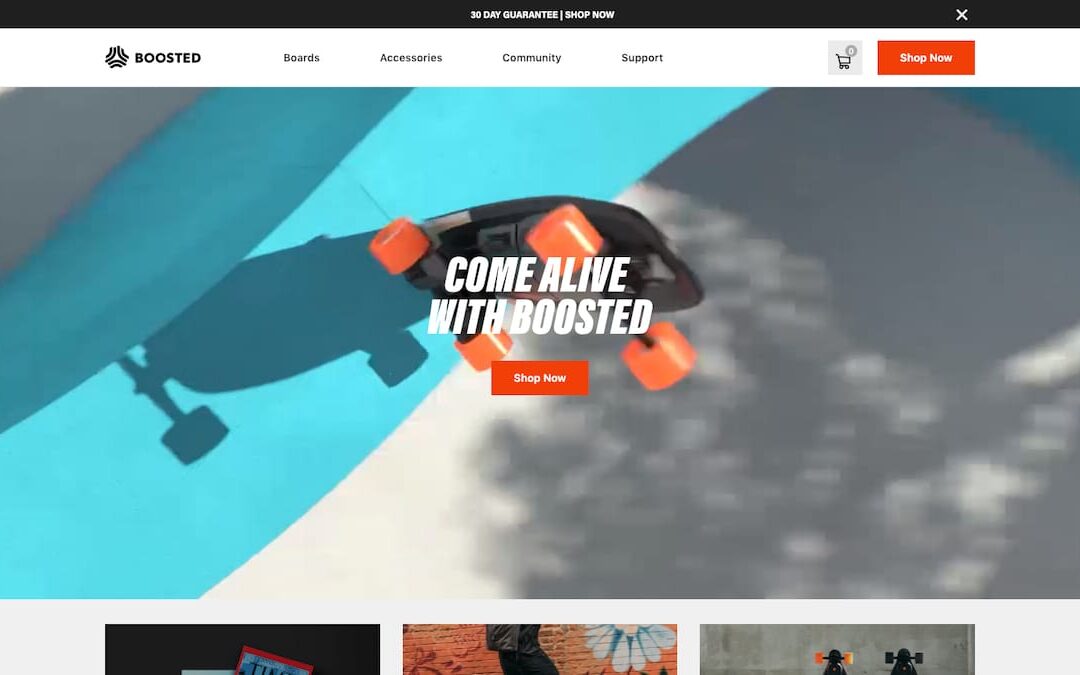
Website Design Reno
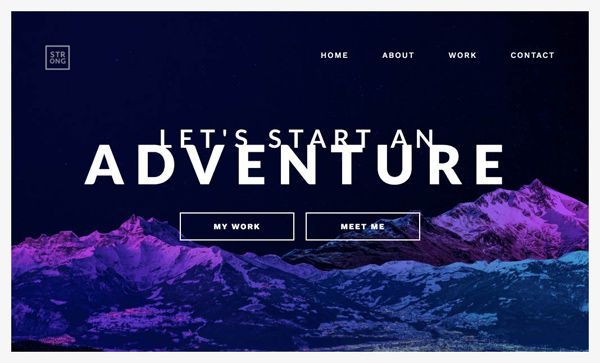
Introduction
Designing a website is a process that involves many steps and considerations. In this article, we’ll walk you through some of the most important aspects of designing a website so that you can create one your customers will love.
The Different Elements of Web Design
There are many different elements that go into web design. And, when you’re trying to create an impressive website that your customers will love, it’s important to make sure that all of these elements work together seamlessly. Here’s a quick overview of some of the most important elements of web design:
Layout: The layout of your website is important for both aesthetic and functional reasons. You want your website to look good, but you also want it to be easy for people to find what they’re looking for. A good layout will strike a balance between these two goals.
Design: The overall design of your website should be in line with the branding of your business. Your website should reflect the same colors, fonts, and style as your other marketing materials.
Creating a layout
Creating a layout is the first step in designing a website. You need to decide how you want your website to look and feel. Do you want it to be simple and clean or more complex with different sections? Once you have an idea of the overall layout, you can start creating individual pages.
Be sure to keep your target audience in mind when designing your website. What type of information are they looking for? How easy do you want it to be for them to find what they need? Creating a user-friendly website will help ensure that your visitors stick around.
If you’re not sure where to start, there are plenty of web design templates available online. Find one that you like and use it as a starting point for your own website. Just be sure to customize it so that it reflects your own unique style.
Using colors and fonts
One of the most important aspects of web design is choosing the right colors and fonts to use. The colors you choose will set the tone for your website and can help to make it more inviting and visually appealing to potential customers. The fonts you use should be easy to read and should complement the overall look of your site.
When choosing colors, it’s important to consider both the emotional response they evoke as well as the message you want to conveyed. For example, if you’re designing a website for a law firm, you’ll want to use more serious, conservative colors like navy blue or grey. On the other hand, if you’re designing a website for a children’s toy store, you’ll want to use brighter, more cheerful colors.
When it comes to fonts, there are two main things to consider: readability and personality. For readability, you’ll want to choose a sans-serif font like Arial or Helvetica that is easy on the eyes. For personality, you can have a little more fun and choose a script or decorative font that reflects the overall tone of your website. Just be sure not to go overboard – too many different fonts can be distracting and hard to read.
Adding images
When it comes to website design, adding images can really make a difference in the overall look and feel of your site. Images can help to break up text, add visual interest, and even convey a message or emotion. When used correctly, images can really make your website stand out from the crowd.
There are a few things to keep in mind when adding images to your website. First, make sure that the images you use are high-quality and relevant to your content. Blurry or low-quality images will only make your site look unprofessional. Second, be sure to use alternate text for your images. This is important for two reasons: first, it helps those with visual impairments access your content; second, it helps improve your site’s search engine optimization (SEO).
Finally, be careful not to overuse images. Too many images on a page can make it look cluttered and busy. Stick to a few key images that really enhance your content and leave the rest out. With these tips in mind, adding images to your web design will be a breeze!
Creating user-friendly navigation
Web design is all about creating a user-friendly experience for your website visitors. One of the most important aspects of user-friendly navigation is having a well-designed and easy-to-use navigation menu.
Your navigation menu should be easy to find and easy to use. It should be placed in a prominent location on your website, such as the top of the page. The navigation menu should also be easy to read, with clear and concise labels.
Your navigation menu should be designed so that it is easy to navigate your website. The most effective way to do this is to use a hierarchical structure for your navigation menu. This means creating a main menu with the most important sections of your website, and then sub-menus for each section.
Creating a well-designed navigation menu is essential for creating a user-friendly website. By taking the time to create an effective navigation menu, you can make it easier for your visitors to find the information they need on your website.
Creating compelling content
If you want to have a website that your customers will love, you need to make sure that you have compelling content. This means creating content that is interesting, informative, and engaging. Here are some tips for creating content that will keep your visitors coming back for more:
1. Write interesting headlines.
Your headline is the first thing that people will see, so make sure it’s something that will grab their attention. Use strong keywords and make sure your headline is clear and to the point.
2. Offer something unique.
There’s a lot of information out there on the web, so you need to make sure that your content offers something unique. This could be a new perspective on a topic, or fresh insights into an industry.
3. Keep it relevant.
Your content should be relevant to your target audience. Write about topics that they care about, and offer solutions to their problems.
4. Make it readable.
No one wants to read a wall of text. Breaking up your content into smaller paragraphs and using headlines and subheadings will make it more readable and easier to scan.
5. Use images and videos.
People are visual creatures
Designing for mobile devices
As more and more people use their mobile devices to browse the web, it’s important to make sure your website is designed for these smaller screens. Mobile devices have different screen sizes and resolutions, so it’s important to design your website accordingly. Here are some tips for designing an impressive website your customers will love on their mobile devices:
– Use a responsive design: A responsive design adjusts the layout of your website to fit the width of the device’s screen. This ensures that your website looks great on all devices, from desktop computers to smartphones.
– Use large font sizes: Mobile devices have small screens, so it’s important to use large font sizes to make your content easy to read.
– Use plenty of whitespace: Whitespace helps break up your content and makes it easier to read on small screens.
– Use images wisely: Images can help break up your content and add visual interest, but they should be used sparingly on mobile devices since they can slow down loading times.
By following these tips, you can design an impressive website that your customers will love regardless of what device they’re using.
Optimizing your website for search engines
If you want your website to be successful, you need to make sure it is optimized for search engines. This means using the right keywords, providing quality content, and making sure your site is easy to navigate. By doing these things, you will ensure that your website appears higher in search engine results pages, which will lead to more traffic and ultimately more customers.
Conclusion
Creating an impressive website design is not as difficult as it may seem. By following the tips outlined in this article, you can create a website that your customers will love. With a little creativity and attention to detail, you can have a website that looks great and is easy to navigate. If you need help getting started, there are plenty of resources available online. With a little time and effort, you can create a website that is sure to impress your customers.
web design reno
Reno Web Design | Mobile App Development
Providing a wide range of services, Sandy Rowley Web Design is a Reno web design company. Our goal is to build captivating websites that deliver results. We get to know your industry and design a website that meets your business needs.
Interested in our web design services? Our website development team has worked with a wide range of Reno/Sparks area companies. Browse our Reno web design portfolio to see some of our work. Our print services include business cards, brochures, and direct mail campaigns to complement your web design.
Web design companies in Reno are not all the same. Give us a call and let us show you what makes us different from other web design companies. Our team has over 25 years of experience designing websites in the Reno area. Bring your ideas to life on the web with our help!
Check out our complete list of web design Reno services to see what we have to offer.
Have a Mobile App Idea?
We have built over two dozen mobile apps in the Reno area and can help your idea come to life. Give us a call today to schedule a consultation meeting to discuss your app idea! Find out what makes us the best mobile app developer in Reno!
Development of software systems
Do you have some inefficiencies in your business? Are you looking for a way to streamline your processes? Take advantage of our systems development experience to improve your bottom line.
A local business
Our community takes pride in helping local businesses. Reno has so much to offer, and we are happy to call it home.
Developing mobile applications
Is there an app idea you have or an idea that you think will help your business? From conception to production, we have the experience you need!
web design reno
Sandy Rowley is a web designer located in Reno Nevada.